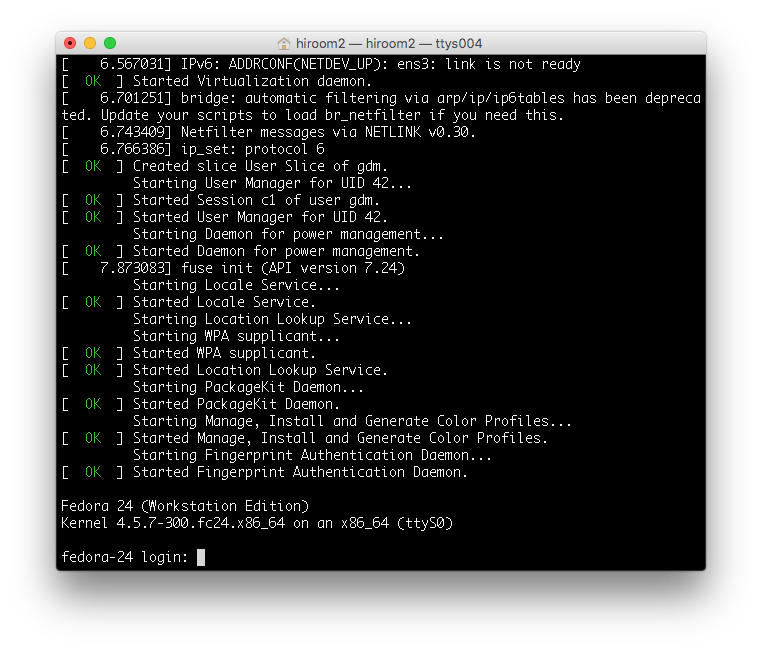
This article will describe changing GRUB2 and Linux to serial console.
This is a same way with CentOS 7.
This is not for desktop environment but embedded system and virtual machine environment.
Table of Contents
1 /etc/default/grub
Change /etc/default/grub as below.
- Change GRUB terminal to console and ttyS0. This will provide one GRUB to a monitor display and serial console.
- Change linux kernel console to tty1 and ttyS0. ttyS0 will be managed by login prompt and tty1 will be managed by display manager like gdm.
$ diff -uprN /etc/default/grub{.org,}
--- /etc/default/grub.org       2016-06-22 07:51:56.563191757 +0900
+++ /etc/default/grub   2016-06-22 07:55:01.797687362 +0900
@@ -2,6 +2,8 @@ GRUB_TIMEOUT=5
 GRUB_DISTRIBUTOR="$(sed 's, release .*$,,g' /etc/system-release)"
 GRUB_DEFAULT=saved
 GRUB_DISABLE_SUBMENU=true
-GRUB_TERMINAL_OUTPUT="console"
-GRUB_CMDLINE_LINUX="rd.lvm.lv=fedora/root rd.lvm.lv=fedora/swap rhgb quiet"
+GRUB_TERMINAL="console serial"
+GRUB_SERIAL_COMMAND="serial --speed=115200 --unit=0 --word=8 --parity=no --stop=1"
+GRUB_CMDLINE_LINUX="rd.lvm.lv=fedora/root rd.lvm.lv=fedora/swap rhgb"
+GRUB_CMDLINE_LINUX_DEFAULT="console=tty1 console=ttyS0,115200"
 GRUB_DISABLE_RECOVERY="true"
2 grub2-mkconfig
Update /boot/grub/grub.cfg with grub2-mkconfig.
$ sudo grub2-mkconfig -o /boot/grub2/grub.cfg
Generating grub configuration file ...
Found linux image: /boot/vmlinuz-4.5.7-300.fc24.x86_64
Found initrd image: /boot/initramfs-4.5.7-300.fc24.x86_64.img
Found linux image: /boot/vmlinuz-4.5.5-300.fc24.x86_64
Found initrd image: /boot/initramfs-4.5.5-300.fc24.x86_64.img
Found linux image: /boot/vmlinuz-0-rescue-a6dcbe8a511144769f96d500e201f7f4
Found initrd image: /boot/initramfs-0-rescue-a6dcbe8a511144769f96d500e201f7f4.img
done
Reboot Fedora 24.
$ sudo reboot
3 Execution result
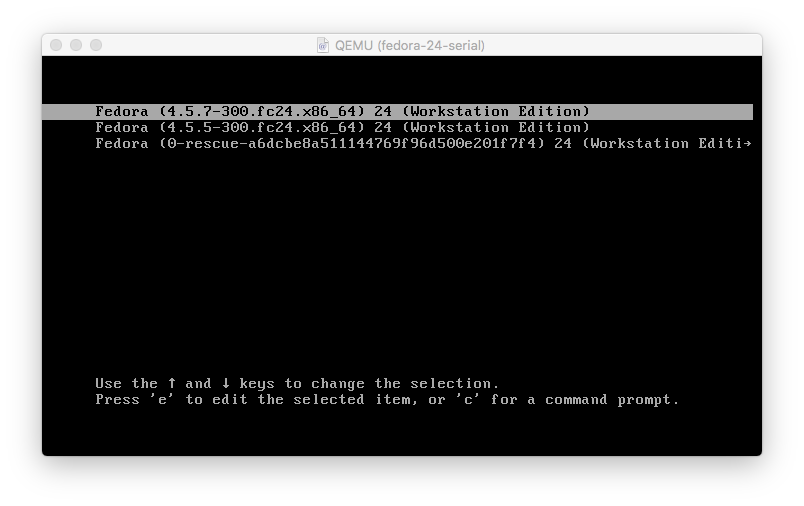
GRUB to monitor display is as below.
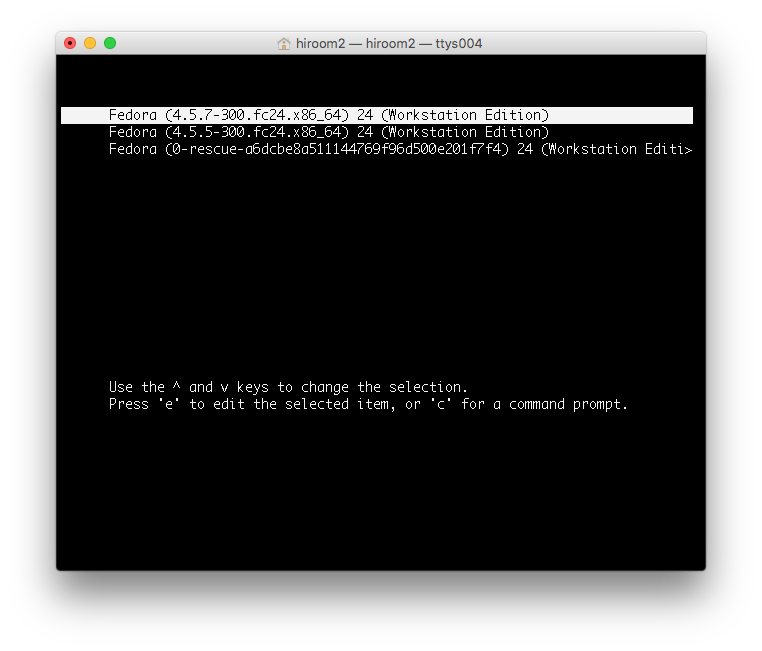
GRUB to serial console is as below. This article used "sudo virsh console <vmname>" for connecting serial console.
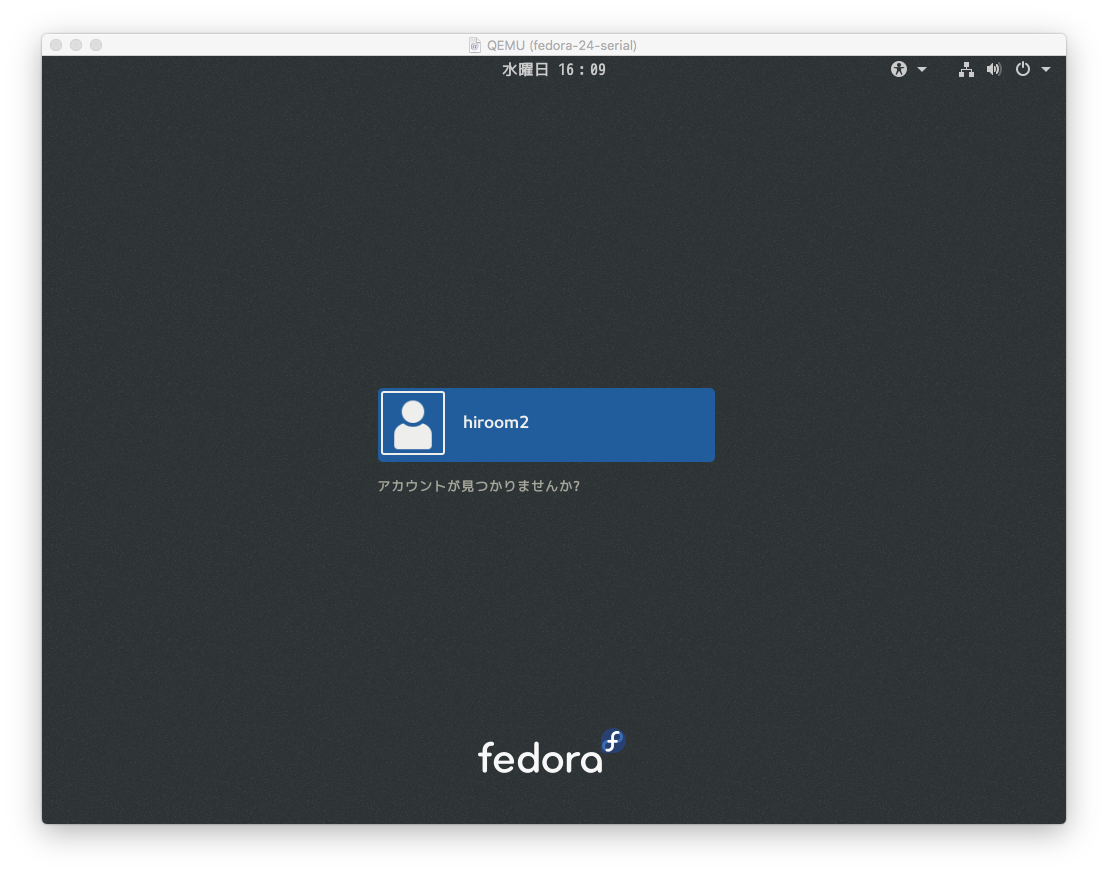
tty1 is managed by display manager. If pressing Ctrl + Alt + F2, tty2 will be managed by login prompt.
Login prompt to serial console is as below.