This article will describe installing XRDP.
Table of Contents
1 Install XRDP
Use Fedora 25's src.rpm.
> sudo zypper -n in rpm-build patterns-openSUSE-devel_basis
> FEDORA=https://dl.fedoraproject.org/pub/fedora/linux/releases
> wget -q ${FEDORA}/25/Everything/source/tree/Packages/x/xrdp-0.9.0-6.fc25.src.rpm
> rpm -i xrdp-0.9.0-6.fc25.src.rpm
Revert pam config to xrdp-0.6.
> cd ~/rpmbuild
> cat <<EOF > SOURCES/xrdp-sesman.pamd
#%PAM-1.0
auth       required     pam_unix.so shadow nullok
auth       required     pam_env.so readenv=1
account    required     pam_unix.so
EOF
Change package name in Fedora 25 to ones in OpenSUSE 13.
> sed -i -e 's/BuildRequires: systemd-units/BuildRequires: systemd/g' \
    -e 's/Requires\(.*\): systemd-units/Requires\1: systemd/g' \
    -e 's/Requires(post): systemd-sysv/Requires(post): systemd/g' \
    -e 's/BuildRequires: openssl-devel/BuildRequires: libopenssl-devel/g' \
    -e 's/Requires: tigervnc-server-minimal/Requires: tigervnc/g' \
    -e 's/^%systemd_post \(.*\)/systemctl enable \1\nsystemctl start \1/g' \
    -e 's/^%systemd_preun \(.*\)/systemctl stop \1/g' \
    -e 's/^%systemd_postun_with_restart \(.*\)/systemctl disable \1/g' \
    SPECS/xrdp.spec
Because cannot connect to XRDP in OpenSUSE 13 without /etc/X11/xim.d/ibus, add ibus as Require to XRDP.
> sed -i -e 's/Requires: tigervnc/Requires: tigervnc\nRequires: ibus/g' \
    SPECS/xrdp.spec
Install BuildRequire packages.
> sudo zypper -n in \
     $(grep '^BuildRequires:' SPECS/xrdp.spec | awk -F: '{ print $2 }')
Build and install XRDP.
> rpmbuild -ba SPECS/xrdp.spec
> sudo zypper -n in RPMS/x86_64/xrdp-0.9.0-6.x86_64.rpm
Open 3389/tcp.
> firewall_open_tcp()
{
  for t in FW_SERVICES_EXT_TCP FW_SERVICES_DMZ_TCP FW_SERVICES_INT_TCP; do
    sudo sed -e "s/^${t}=\"\(.*\)\"/${t}=\"\1 $1\"/g" \
         -i /etc/sysconfig/SuSEfirewall2
  done
  sudo systemctl restart SuSEfirewall2
}
> firewall_open_tcp 3389
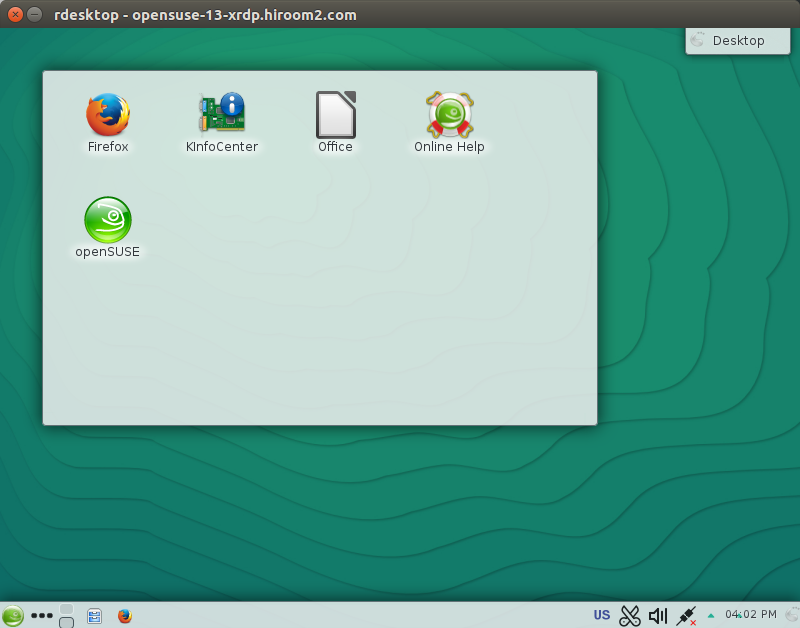
Now you can connect to OpenSUSE 13 via RDP.
2 GNOME needs xdm
When DISPLAYMANAGER is gdm, below error is occured. /etc/gdm might not support XRDP.
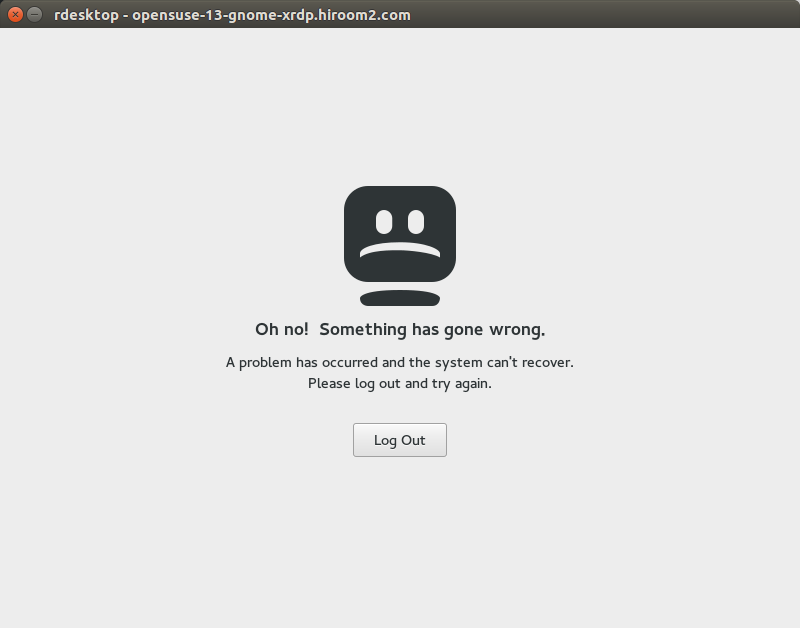
Changing DISPLAYMANAGER from gdm to xdm enable local login and XRDP connection. After changing DISPLAYMANAGER as below, restart OpenSUSE 13.
> diff -uprN /etc/sysconfig/displaymanager{.org,}
--- /etc/sysconfig/displaymanager.org   2016-12-24 07:02:46.771923000 +0900
+++ /etc/sysconfig/displaymanager       2016-12-24 06:57:28.966895000 +0900
@@ -11,7 +11,7 @@ DISPLAYMANAGER_XSERVER="Xorg"
 # Here you can set the default Display manager (kdm/xdm/gdm/wdm/entrance/console).
 # all changes in this file require a restart of the displaymanager
 #
-DISPLAYMANAGER="gdm"
+DISPLAYMANAGER="xdm"

 ## Type:       yesno
 ## Default:    no
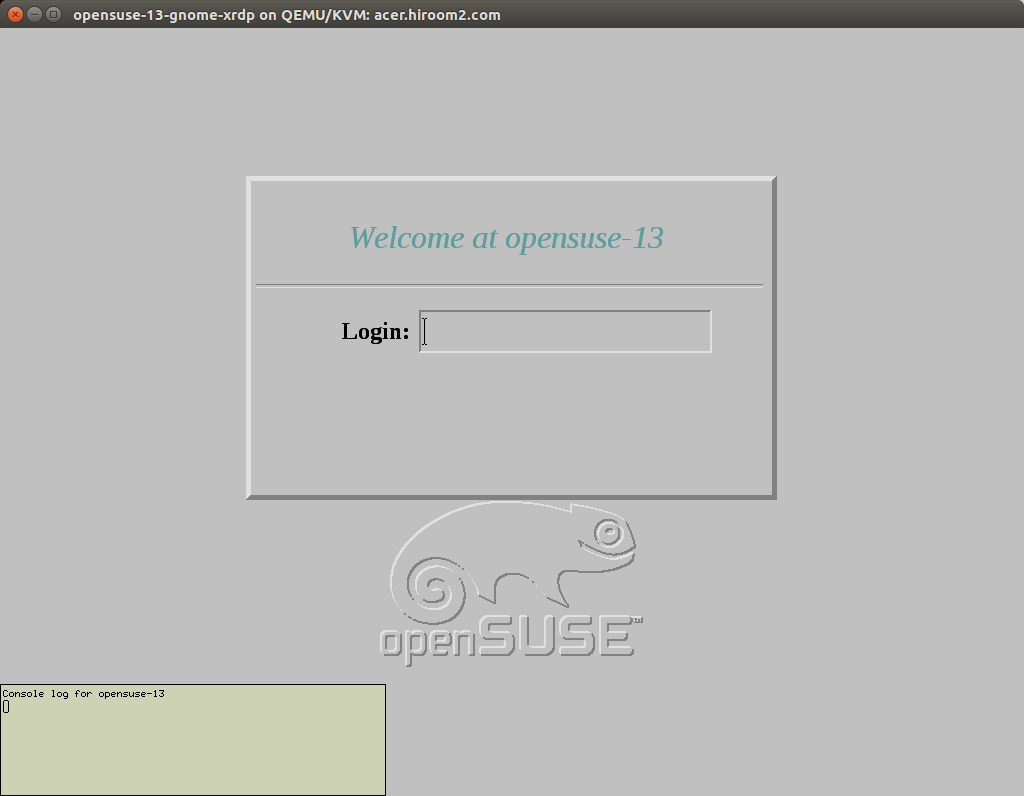
Local login is as below. You can connect to machine via XRDP in this state. But you cannot do local login while XRDP connection is established.
3 Script for installing XRDP
The following script will install XRDP.
#!/bin/sh


firewall_open_tcp()
{
  for t in FW_SERVICES_EXT_TCP FW_SERVICES_DMZ_TCP FW_SERVICES_INT_TCP; do
    sudo sed -e "s/^${t}=\"\(.*\)\"/${t}=\"\1 $1\"/g" \
         -i /etc/sysconfig/SuSEfirewall2
  done
  sudo systemctl restart SuSEfirewall2
}

sudo zypper -n in rpm-build patterns-openSUSE-devel_basis
FEDORA=https://dl.fedoraproject.org/pub/fedora/linux/releases
wget -q ${FEDORA}/25/Everything/source/tree/Packages/x/xrdp-0.9.0-6.fc25.src.rpm
rpm -i xrdp-0.9.0-6.fc25.src.rpm

cd ~/rpmbuild
cat <<EOF > SOURCES/xrdp-sesman.pamd
#%PAM-1.0
auth       required     pam_unix.so shadow nullok
auth       required     pam_env.so readenv=1
account    required     pam_unix.so
EOF
sed -i -e 's/BuildRequires: systemd-units/BuildRequires: systemd/g' \
    -e 's/Requires\(.*\): systemd-units/Requires\1: systemd/g' \
    -e 's/Requires(post): systemd-sysv/Requires(post): systemd/g' \
    -e 's/BuildRequires: openssl-devel/BuildRequires: libopenssl-devel/g' \
    -e 's/Requires: tigervnc-server-minimal/Requires: tigervnc/g' \
    -e 's/^%systemd_post \(.*\)/systemctl enable \1\nsystemctl start \1/g' \
    -e 's/^%systemd_preun \(.*\)/systemctl stop \1/g' \
    -e 's/^%systemd_postun_with_restart \(.*\)/systemctl disable \1/g' \
    SPECS/xrdp.spec
sed -i -e 's/Requires: tigervnc/Requires: tigervnc\nRequires: ibus/g' \
    SPECS/xrdp.spec
sudo zypper -n in \
     $(grep '^BuildRequires:' SPECS/xrdp.spec | awk -F: '{ print $2 }')
rpmbuild -ba SPECS/xrdp.spec
sudo zypper -n in RPMS/x86_64/xrdp-0.9.0-6.x86_64.rpm
firewall_open_tcp 3389

grep 'DISPLAYMANAGER="gdm"' /etc/sysconfig/displaymanager &&
  (sudo sed -i -e 's/DISPLAYMANAGER="gdm"/DISPLAYMANAGER="xdm"/g' \
        /etc/sysconfig/displaymanager && sudo reboot)