This article will describe building ChromiumOS and running ChromiumOS on KVM.
Table of Contents
1 Build ChromiumOS
Please install repo and create ${HOME}/.repo_.gitconfig.json beforehand.
$ cat ~/
{
  "color.ui": [
    "auto"
  ],
  "user.name": [
    "name"
  ],
  "user.email": [
    "email@example"
  ]
The following command will create chromium_image.bin.
$ sudo apt install -y git-core gitk git-gui subversion curl
$ git clone https://chromium.googlesource.com/chromium/tools/depot_tools.git
$ export PATH=${PWD}/depot_tools/:${PATH}
$ mkdir chromium
$ cd chromium
$ repo init -u https://chromium.googlesource.com/chromiumos/manifest.git
$ repo sync
$ export BOARD=amd64-generic
$ cros_sdk -- ./build_packages --board=${BOARD}
$ cros_sdk -- ./build_image --board=${BOARD} dev
2 Write ChromiumOS to USB
Run the following command after inserting USB. Running USB boot with this USB will run ChromiumOS.
$ cros_sdk -- cros flash --board=${BOARD} usb://
3 Run ChromiumOS on QEMU
You can run ChromiumOS on QEMU with this. But I cannot connect to internet.
4 Run ChromiumOS on KVM with virt-manager
You need the following settings.
- Add src/build/images/${BOARD}/latest/chromiumos_image.bin to "IDE Disk" as raw image.
- Set "Device model" of "Virtual Network Interface" to e1000.
- Set "Video Device" to cirrus.
- Mouse pointer needs "VNC server", "EvTouch USB Graphics Tablet" as input device and running virt-viewer (virt-manager's viewer does not display mouse pointer).
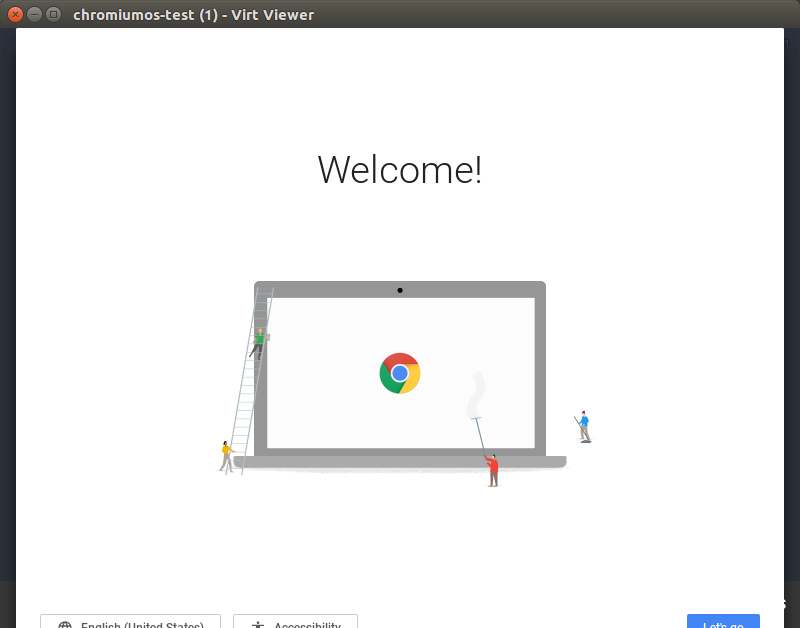
virt-viewer displays as following.