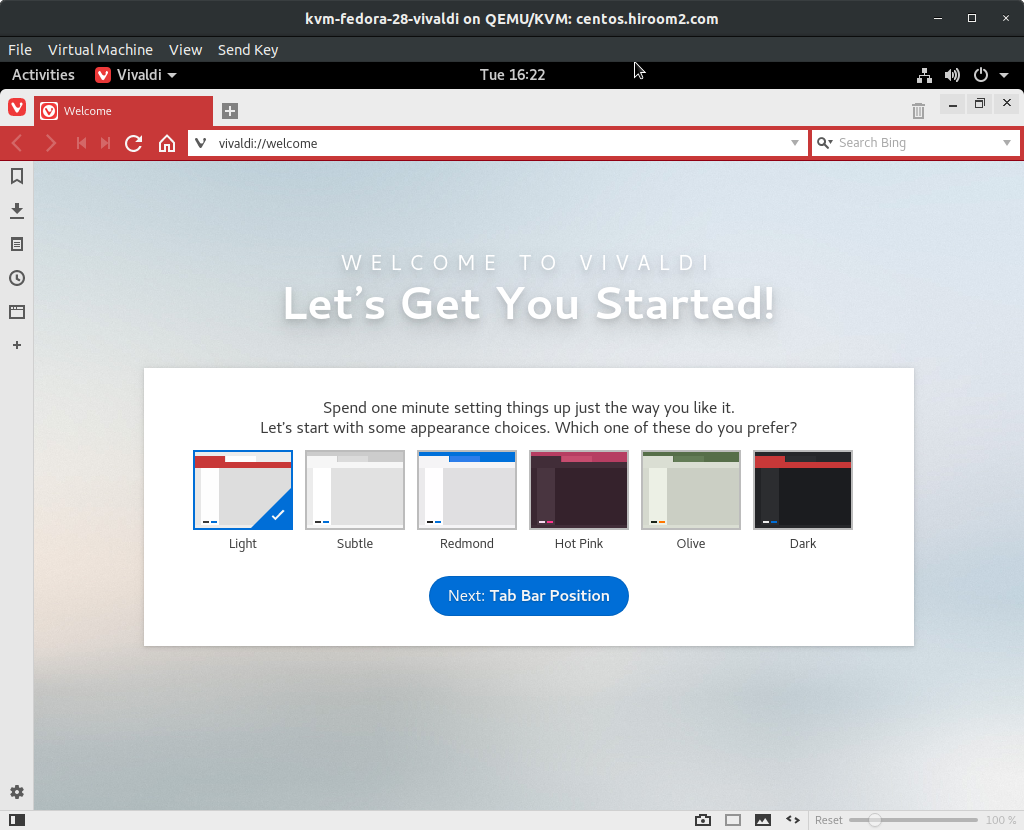
This article will describe installing Vivaldi.
Table of Contents
1 Install vivaldi
Install vivaldi package.
$ URL=https://downloads.vivaldi.com/stable
$ sudo dnf install -y ${URL}/vivaldi-stable-1.15.1147.42-1.x86_64.rpm
If you need Flash, run the following command.
$ URL=http://linuxdownload.adobe.com/adobe-release
$ URL=${URL}/adobe-release-x86_64-1.0-1.noarch.rpm
$ sudo dnf install -y ${URL}
$ sudo dnf install -y flash-player-ppapi
2 Run vivaldi
Run vivaldi.
$ vivaldi