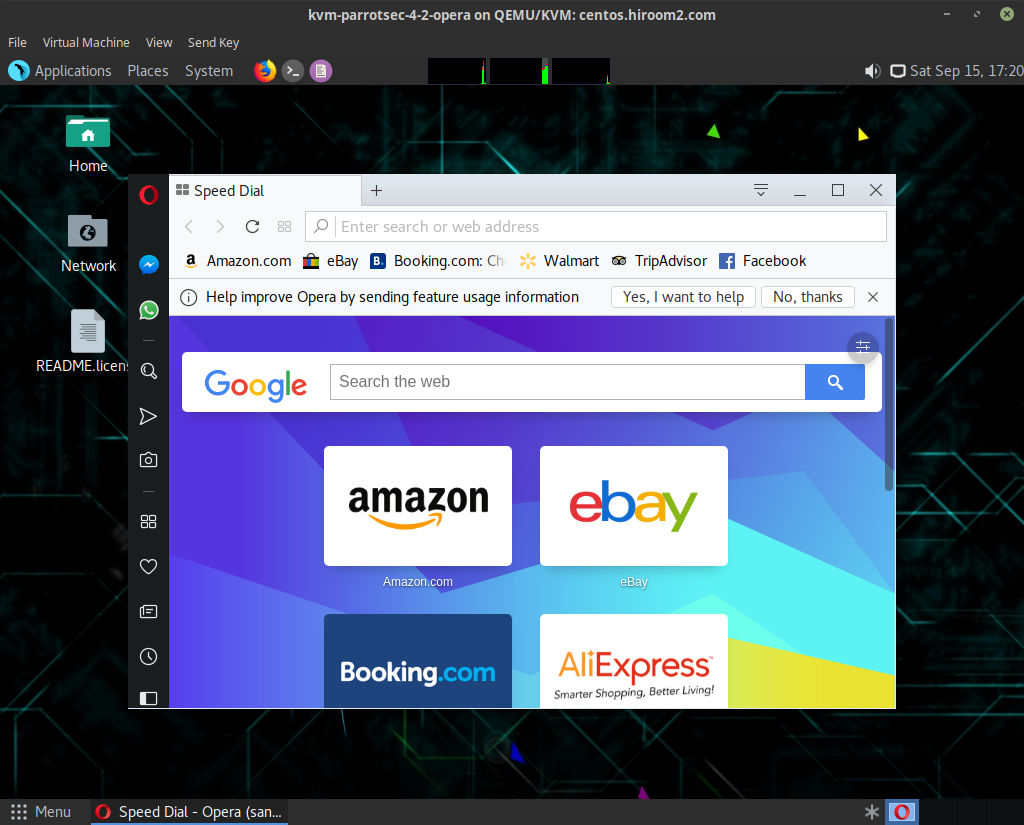
This article will describe installing Opera.
Table of Contents
1 Install opera
Install opera package.
$ URL=http://download3.operacdn.com/pub/opera/desktop/55.0.2994.61/linux
$ wget -q ${URL}//opera-stable_55.0.2994.61_amd64.deb
$ echo "opera-stable opera-stable/add-deb-source boolean true" | \
  sudo debconf-set-selections
$ sudo apt install -y apt-transport-https
$ sudo dpkg -i opera-stable_*.deb || \
  (sudo apt -f install -y && sudo dpkg -i opera-stable_*.deb)
$ rm -f opera-stable_*_amd64.deb
If you need Flash, run the following command.
$ sudo apt install -y pepperflashplugin-nonfree
$ sudo update-pepperflashplugin-nonfree --install
2 Run opera
Run opera.
$ opera